

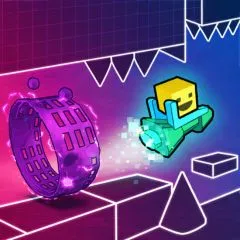
Geometry Dash: Black Line Wave Control
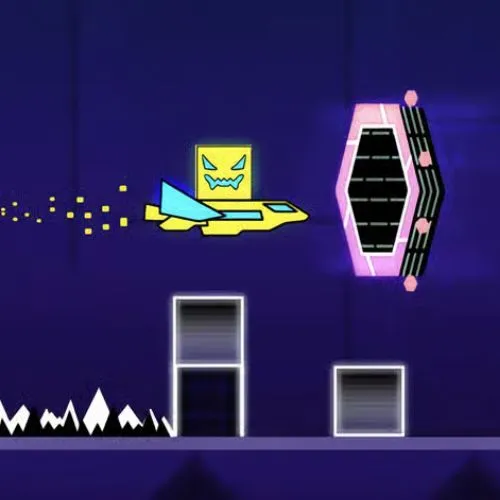
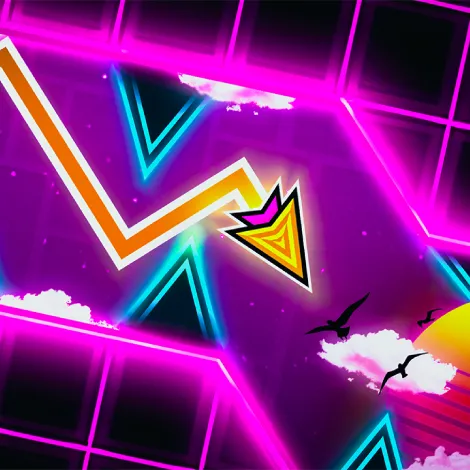
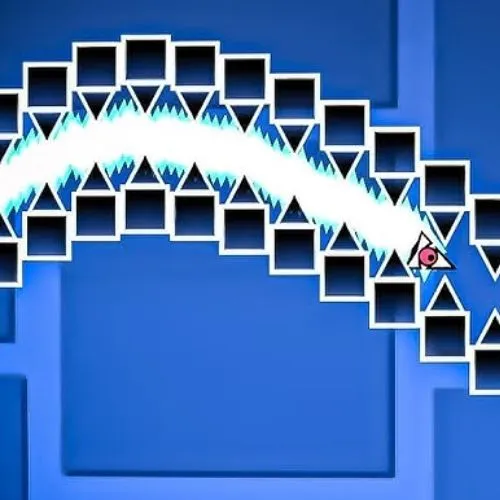
Geometry Dash: Black Line challenges your wave control with deadly 4x speed sections. This is a precision test where mistakes become almost impossible to recover from. Try to focus on the intense wave movement and avoid any error.
Death at 4x Speed Wave
If you are stuck on that specific wave run, you know the exact location. You enter the green portal, the screen shifts color, and then you crash into the very first set of spikes. This happens before you can even process what went wrong.
The Problem
You are staring right at your wave icon and trying to micro-manage every single movement. At 4x speed, this must be a death sentence. Could you stop focusing on the icon itself?
The Fix
Force your eyes toward the right third of the screen. This may feel uncomfortable at first, but you must trust your peripheral vision. Your main focus could scan for the upcoming gaps while peripheral handles the wave’s positioning.
Black Line Wave Mechanics
Strict Hitbox
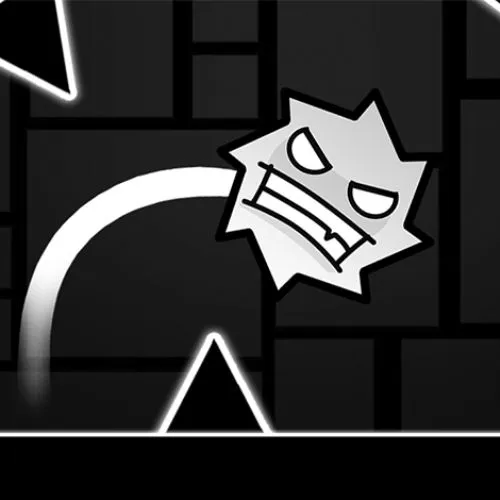
Black Line’s visual assets do not perfectly match their underlying collision data. This is why you could feel like you died to “nothing” at times.
- Wave Icon Hitbox: Your actual collision box is a single small point at the absolute center of the icon.
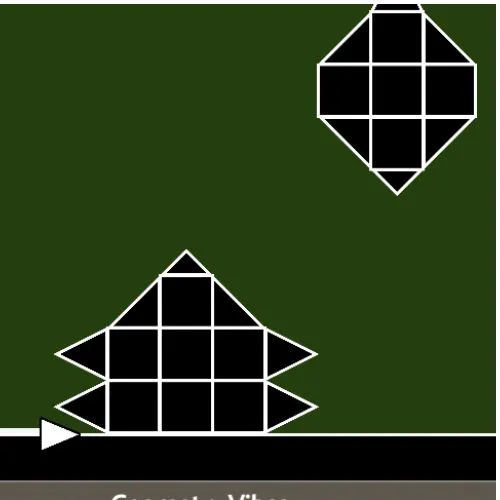
- Spike Hitboxes: Spikes use a triangular hitbox that is smaller than the visual sprite.
Speed and Angle Changes
Entering the dark green 4x speed portal completely alters how your inputs translate to vertical movement. Horizontal speed increases while vertical velocity stays tied to frame timing. This could make ascent and descent angle sharp and aggressive.