



Geometry Dash Flappy UFO and Its Core Frustration
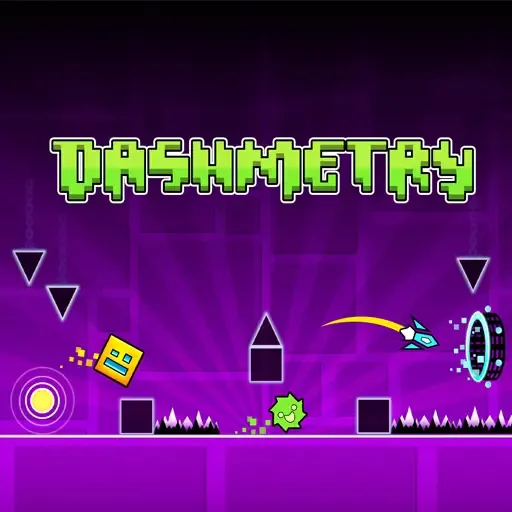
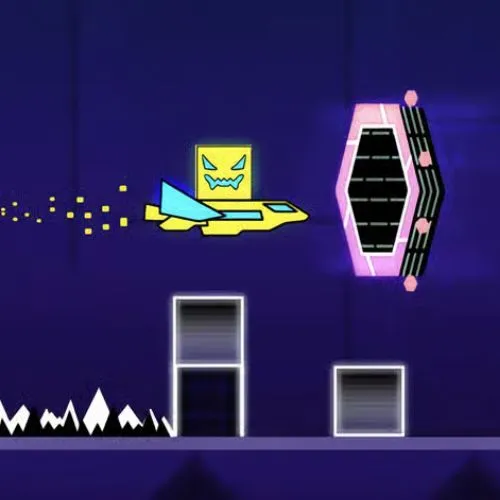
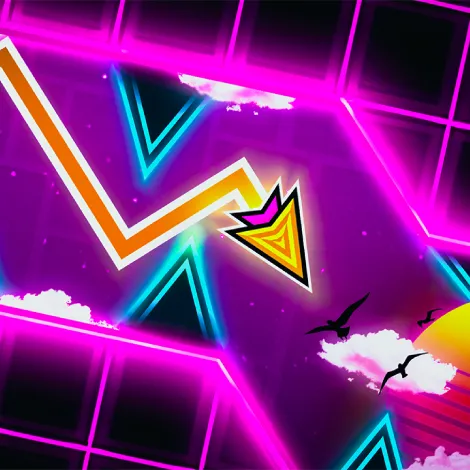
Remember the urge to throw your phone while playing Flappy Bird in 2013? Geometry Dash Flappy UFO replicates that frustration with spikes, teleportation gates, and pounding EDM music. This is a mode where players must tap repeatedly to control a UFO through chaotic obstacles. Try to imagine the classic flap mechanism, but now set in a world of neons and rapid screen shakes.
Differences from Other Modes
Flappy UFO mode requires constant altitude control compared to Cube or Ball modes. The key difference is gravity management — you cannot simply hold to stay airborne like in Ship mode. This is where steady and repeated clicks become necessary for survival. Must keep tapping at the right rhythm or fall immediately.
Why Geometry Dash Flappy UFO Is So Hard
Click-Rate Dictates Everything
In Flappy UFO, rhythm is not just connected to the soundtrack. This is built directly into the spacing between your clicks. Could a single missed tap ruin your run? Yes, absolutely.
Narrow Gaps Allow No Mistakes
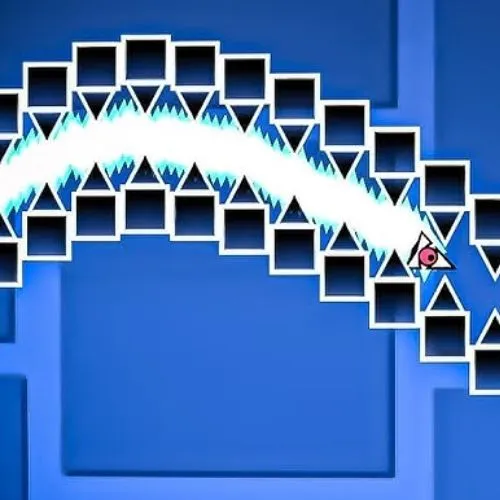
The game constantly throws players into tight corridors between spikes, pipes, and gravity portals. This is a design that leaves almost no margin for error. Try to pass through without panic, but the margins are razor-thin.
Visual Distractions Cause Panic
Bright neon colors, screen shake, and flashing effects are designed to disorient you. This is a deliberate trap — the visuals make you click faster or slower than needed. Could you ignore the chaos? Must train your eyes to focus on the gap ahead.
Strategies for Improving UFO Control
- Look at the next gap, not the UFO. This is the most effective way to anticipate obstacles.
- Use short and controlled clicks. Try to avoid long holds — they cause overshooting.
- Avoid panic clicking. When nerves take over, you lose rhythm. Must stay calm.
- Try using headphones. The audio cues align with click timings, helping you stay on beat.